
RESOURCES
Alerts tuned to people, vehicles, and the parts of the property you care about.
Serving South Florida | Broward • Palm Beach • Miami-Dade
The basic idea
Many older camera setups send a notification whenever pixels change. A palm frond moves, a cloud passes, a car’s headlights sweep across the garage door, and your phone lights up again. After a week of that, most people stop looking. Intelligent video alerts can be set to look for people and vehicles in areas you choose.
A zone is simply a part of the camera’s view that you draw on the screen. On a home, that might be the front walk, the driveway, the side gate, or the covered back patio. On a commercial property, it might be the main entrance, a loading area, or a section of the parking lot after hours.
Good zones start with camera placement. If a camera is aimed at the sky or the middle of a lawn, no setting will make its alerts useful. For how we think about views, see how we plan camera placement.
Schedules
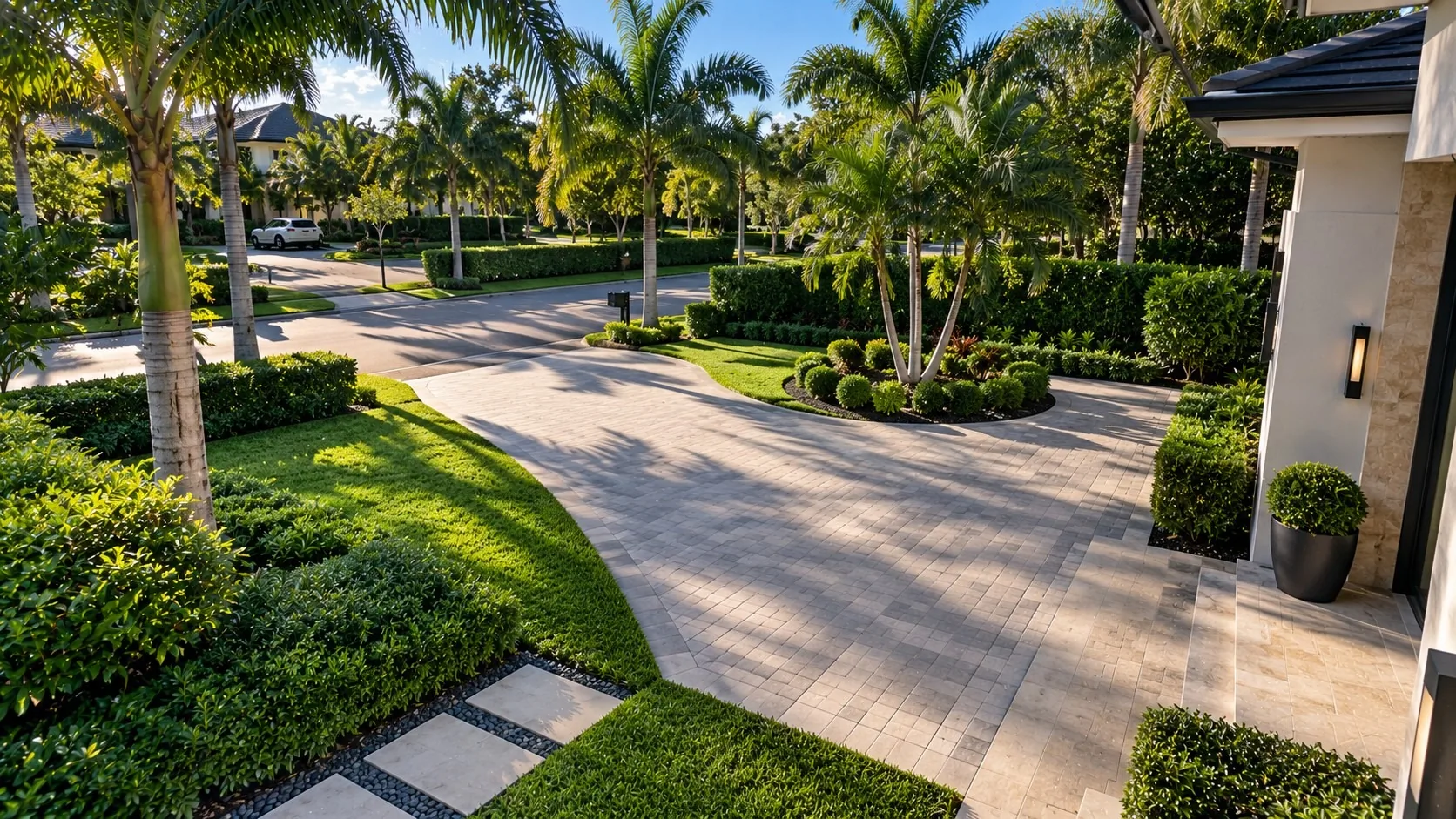
Not every zone needs alerts all day. At home, you might want driveway alerts overnight and while you are away, but not while you are out front washing the car. A business might schedule rear-door alerts for after closing, when activity is expected to be limited.
Schedules let each zone match how the property is actually used, so the alerts you do get are worth opening.
Depending on the camera and system, an alert may include a short clip or snapshot. Where recordings are available, you can review the surrounding footage. If the system supports event search, you may be able to filter recordings by person or vehicle and narrow the search to a particular camera and time.
For day-versus-night design, see daylight driveways and night approaches.
The first settings are a starting point. After a week or two of real use, it is normal to tighten a zone, shift a schedule, or adjust how sensitive a camera is. We can review the settings with you and help adjust zones and schedules as your needs change.
Already have cameras and the alerts aren’t working? See when your existing camera system isn’t working.
Tell us which parts of the property you care about and when. We’ll discuss camera views, zones, and schedules that fit how the space is used.
Contact us to request a quote — Sales 954-667-9594 for new projects, Service 954-408-2918 for existing customers — or explore Solutions.
Request a quote →Your property is unique. Your security should be too.
Security designed around your property — for residential and commercial properties across South Florida.