
RESOURCES
How owners and managers can plan cameras for entrances, lobbies, parking, and the hours after the building closes.
Serving South Florida | Broward • Palm Beach • Miami-Dade
The basic idea
Offices, professional suites, and small medical or service buildings tend to follow a routine: staff arrive in the morning, visitors come and go through the day, and the building gets quiet after hours. Camera placement can be planned around these daily patterns, with attention to where people and vehicles enter, leave, and move around the property.
This guide walks through the areas owners and managers most often ask about. What works depends on the building, the cameras, and the system.
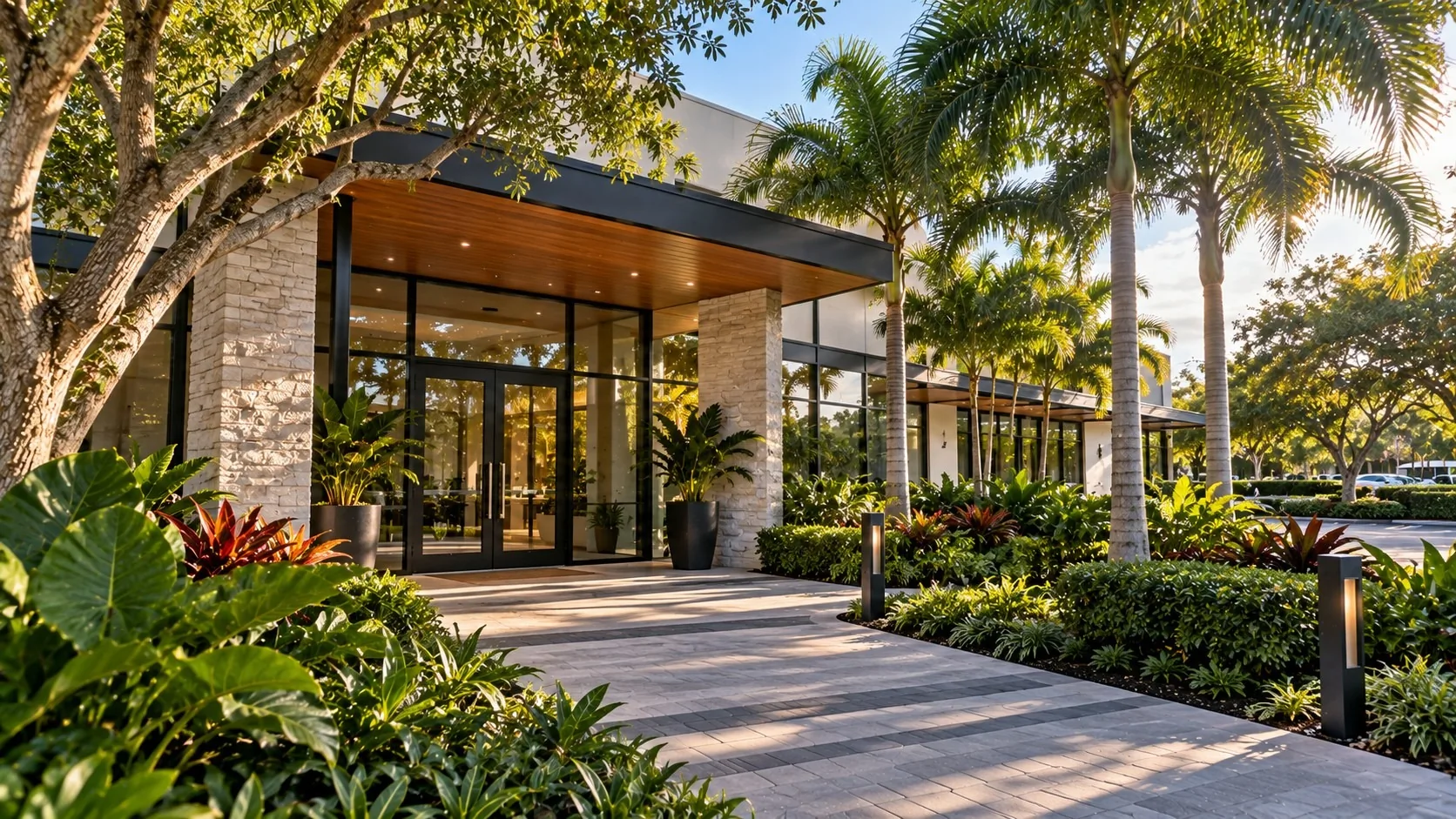
The main entrance is where most visitors arrive. A view aimed toward the entrance and its approach may show arrivals in greater detail than a wide view of the entire facade. Results depend on camera position, image quality, lighting, and distance. Glass entries can bring strong backlight at certain times of day, so angle and position matter; see night and glare.
Inside, many owners prefer views of the lobby entry and reception approach rather than offices, exam rooms, or other private spaces.
Side and rear doors
Side exits, rear doors, and service entrances often see little activity during the day and even less at night. A camera aimed toward each door and its approach can be planned around the details the owner wants to capture. Lighting, camera position, and site conditions all affect the resulting footage.
For more on choosing positions, see how we plan camera placement.
Parking areas are large and often unevenly lit. A single camera covering a large parking lot may provide less detail in individual areas than views planned around specific entrances, aisles, or walkways. Many owners focus instead on the drive entrances, the main aisles, and the walkways between parking and the building.
Where supported and configured, person or vehicle detection and alert zones may help filter notifications. Detection can be missed or triggered unintentionally, depending on equipment, settings, lighting, and site conditions. See how intelligent video alerts work.
Where supported, event search may help authorized users find recordings associated with detected people or vehicles, a particular camera, or a time window. Search results depend on the system’s capabilities and recorded footage. See reviewing recorded video. For more on commercial properties after hours, see after-hours intelligent video for commercial properties.
Buildings with several tenants, or with medical and professional offices, usually have expectations about privacy for staff, clients, and patients. Planning views around shared entrances, corridors, and parking, and away from private offices and treatment areas, is part of the conversation. Where supported, privacy masking can obscure selected areas of a camera view. How masking applies to live viewing and recorded footage depends on the equipment and configuration.
Owners and managers should establish who can access recordings and how long they are retained, consistent with applicable law, lease terms, and building policies.
Tell us about the entrances, side and rear doors, parking, and after-hours schedule, and what you want to be able to review later. We’ll discuss camera views, privacy, and alerts based on how the building is used.
Contact us to request a quote — Sales 954-667-9594 for new projects, Service 954-408-2918 for existing customers — or explore Solutions.
Request a quote →Your property is unique. Your security should be too.
Security designed around your property — for residential and commercial properties across South Florida.